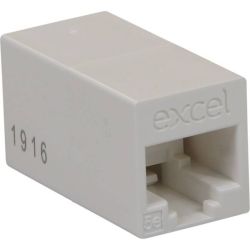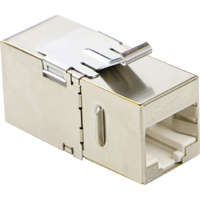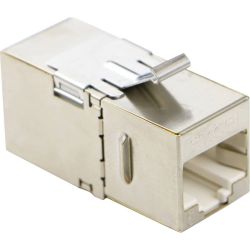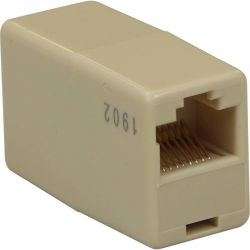

Keystone couplers to join network cables through an outlet or panel.
A keystone coupler has a socket on each side. It snaps into a faceplate or patch panel frame like a jack, and lets you plug in a patch lead from both sides, with no termination needed.
When should I use a coupler?
- Quick outlets: plug a pre-made cable into the back instead of terminating it.
- Match the grade: use a Cat6 coupler on a Cat6 link, Cat5e on Cat5e.
- Check the fit: match it to your patch panel frame or faceplate.
- Terminating cable instead? See keystone jacks.
Need help? Call us on 01902 902251. We deliver to England, Scotland and Wales within 1–2 working days.
Keystone Couplers
Keystone couplers to join network cables through an outlet or panel.
A keystone coupler has a socket on each side. It snaps into a faceplate or patch panel frame like a jack, and lets you plug in a patch lead from both sides, with no termination needed.
When should I use a coupler?
- Quick outlets: plug a pre-made cable into the back instead of terminating it.
- Match the grade: use a Cat6 coupler on a Cat6 link, Cat5e on Cat5e.
- Check the fit: match it to your patch panel frame or faceplate.
- Terminating cable instead? See keystone jacks.
Need help? Call us on 01902 902251. We deliver to England, Scotland and Wales within 1–2 working days.
- Excel