TP-Link Access Points
Every TP-Link access point we stock, on one page.
A TP-Link access point adds Wi-Fi to your wired network, so you get a strong signal in the rooms, corridors and outdoor areas your router can't reach. This page lists all our TP-Link access points: ceiling, wall-plate, outdoor and desktop models from the business Omada EAP range, from Wi-Fi 4 to Wi-Fi 7. Use the filters to narrow the list. Zenith is an official TP-Link VAR Partner.
Which TP-Link access point do I need?
Where will it go?
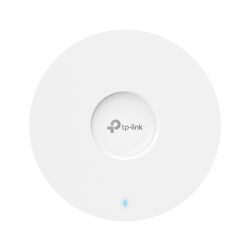
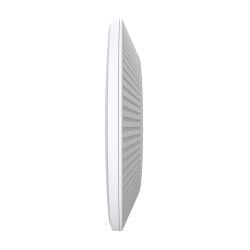
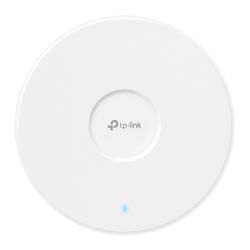
- Ceiling: covers an open room such as an office, shop or classroom. From the EAP225 and EAP610 up to Wi-Fi 7 models such as the EAP772.
- Wall-plate: fits over a network socket, so it suits hotel rooms, flats and classrooms. For example the EAP650-Wall. GP models such as the EAP615GP-Wall connect to a GPON fibre network.
- Outdoor: for yards, car parks, gardens and campuses, from the EAP225-Outdoor to the Wi-Fi 6 EAP650-Outdoor. The EAP650 D30-Outdoor has a 30° directional antenna to aim the signal down a long area.
- Desktop: the EAP650-Desktop sits on a desk and has a PoE output and an FXS phone port.
Which Wi-Fi standard?
- Wi-Fi 4 and Wi-Fi 5 (N300, AC1200, AC1350): lower-cost models for light use, such as the EAP115 and EAP225.
- Wi-Fi 6 (AX): suits most offices and homes today. HD models are for busy, high-density areas, and UR (Ultra-Range) models reach further.
- Wi-Fi 6E (AXE): the EAP690E HD adds the 6 GHz band.
- Wi-Fi 7 (BE): the longer-term choice for busy sites with newer phones and laptops.
What else do I need?
Most EAP models are powered by PoE, so one network cable carries data and power from an Omada PoE switch or a PoE injector. Check each model's PoE standard. A single EAP can run standalone. To manage several from one place, add an Omada controller or use Omada cloud. The TL-WA801N is a basic access point outside the Omada range.
Not sure which model? Read the TP-Link Omada buying guide.
Linking two buildings rather than adding Wi-Fi? See the wireless bridges on the Omada access points page. Prefer another brand? See Ruijie or Ubiquiti UniFi access points. Browse all Wi-Fi access points or the full TP-Link Omada range. Call us on 01902 902251 for help planning coverage. We deliver to England, Scotland and Wales within 1–2 working days.
- TP-Link Omada
- TP-Link Omada
- TP-Link Omada
- TP-Link Omada
- TP-Link Omada
- TP-Link Omada
- TP-Link Omada
- TP-Link Omada
- TP-Link Omada
- TP-Link Omada
- TP-Link Omada
- TP-Link